From chalkboards to 4K touch screens: how teachers use an interactive flat panel to explain, show and involve every student, and how to pick the right size for your classroom.
Walk into a modern classroom today and there's a good chance the chalkboard and projector have been replaced by a single large touch screen. Interactive flat panels (IFPs) combine a 4K display, a digital whiteboard and a computer in one device, and they are quickly becoming the centre of how teachers explain and how students learn.
What is an interactive flat panel?
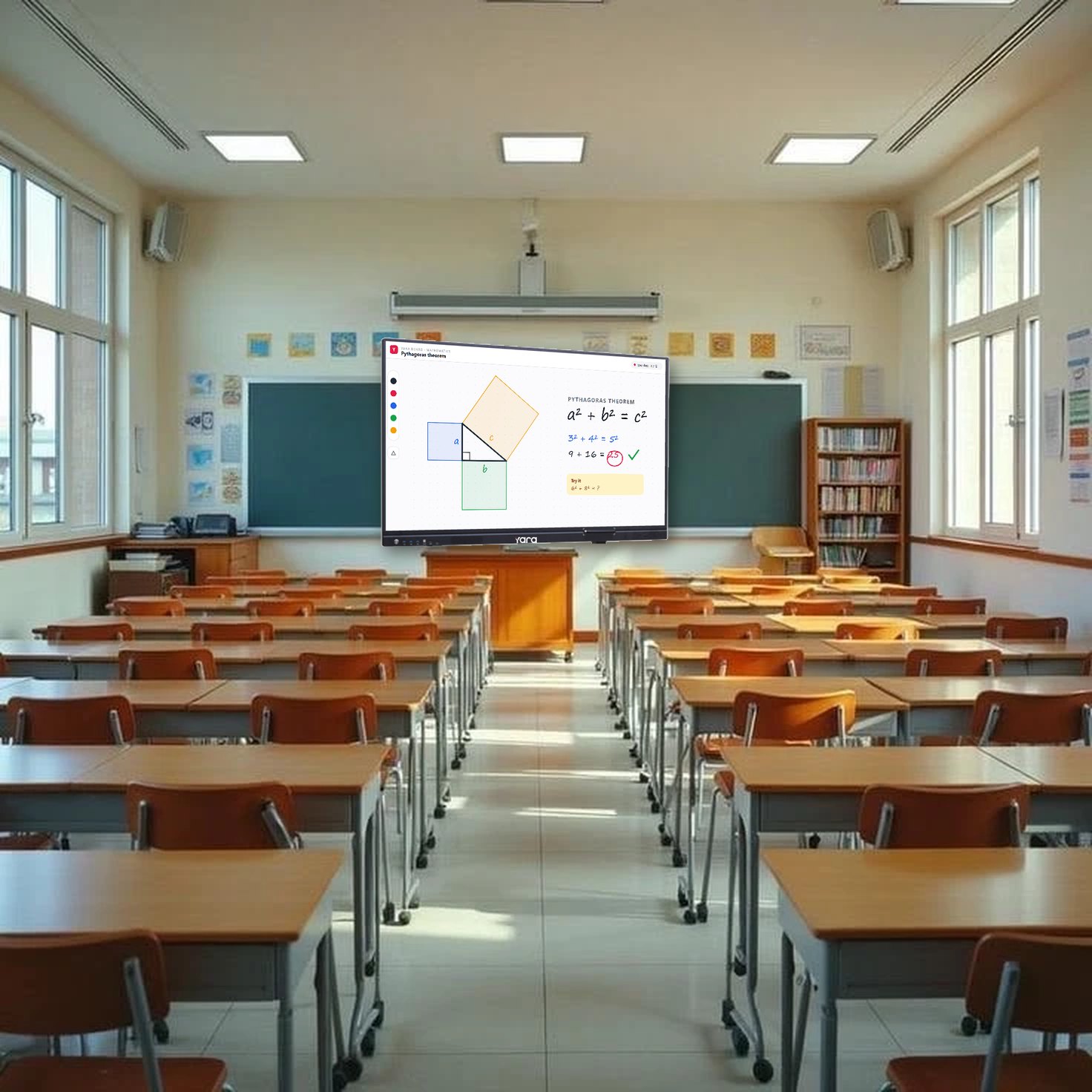
An interactive flat panel is a large touch display, usually 55" to 100", that teachers write on, draw on and control directly with a finger or a pen. Unlike a projector, there is no bulb to replace, no shadow when the teacher stands in front of it, and the picture stays bright and sharp even with the classroom lights on.
A lesson in four moments
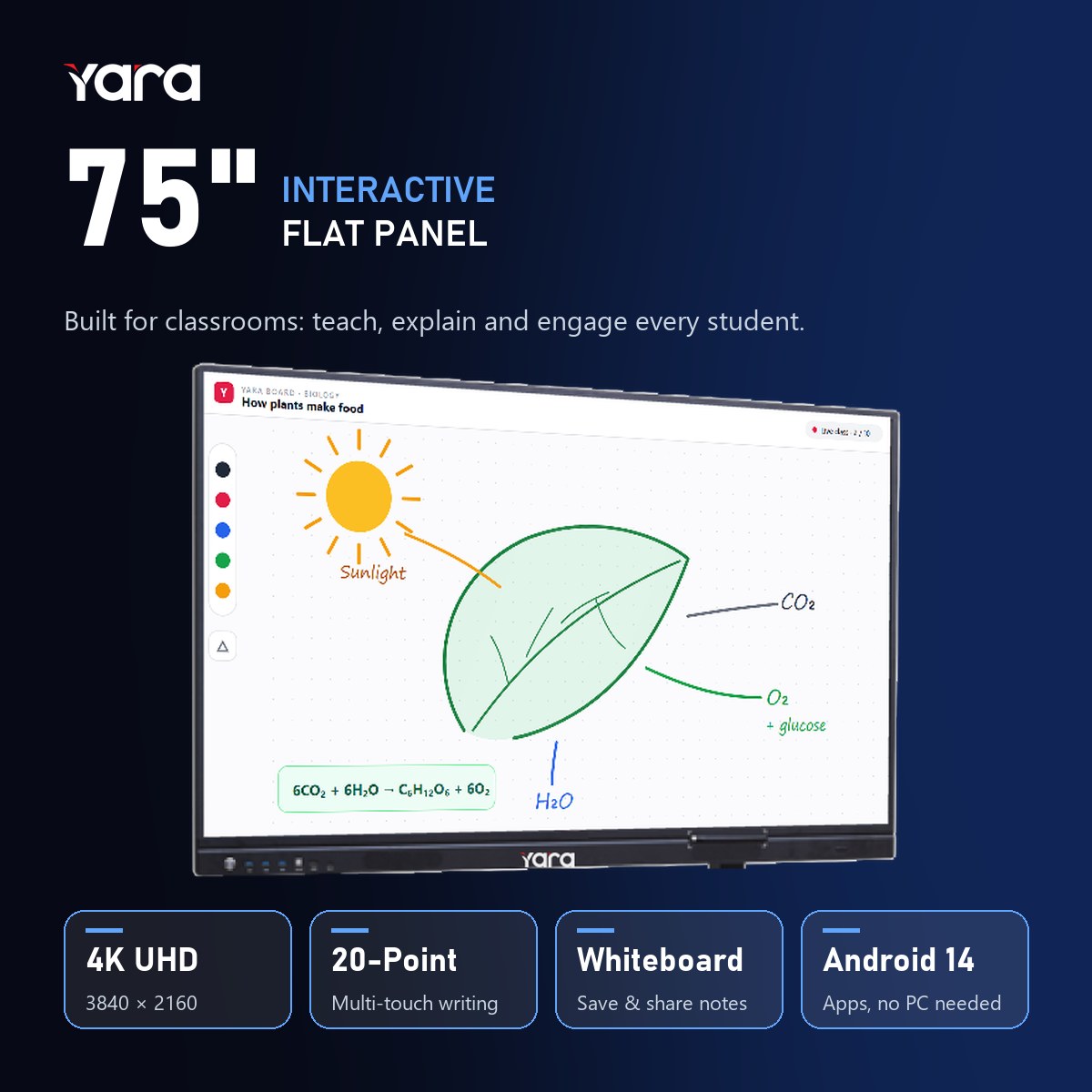
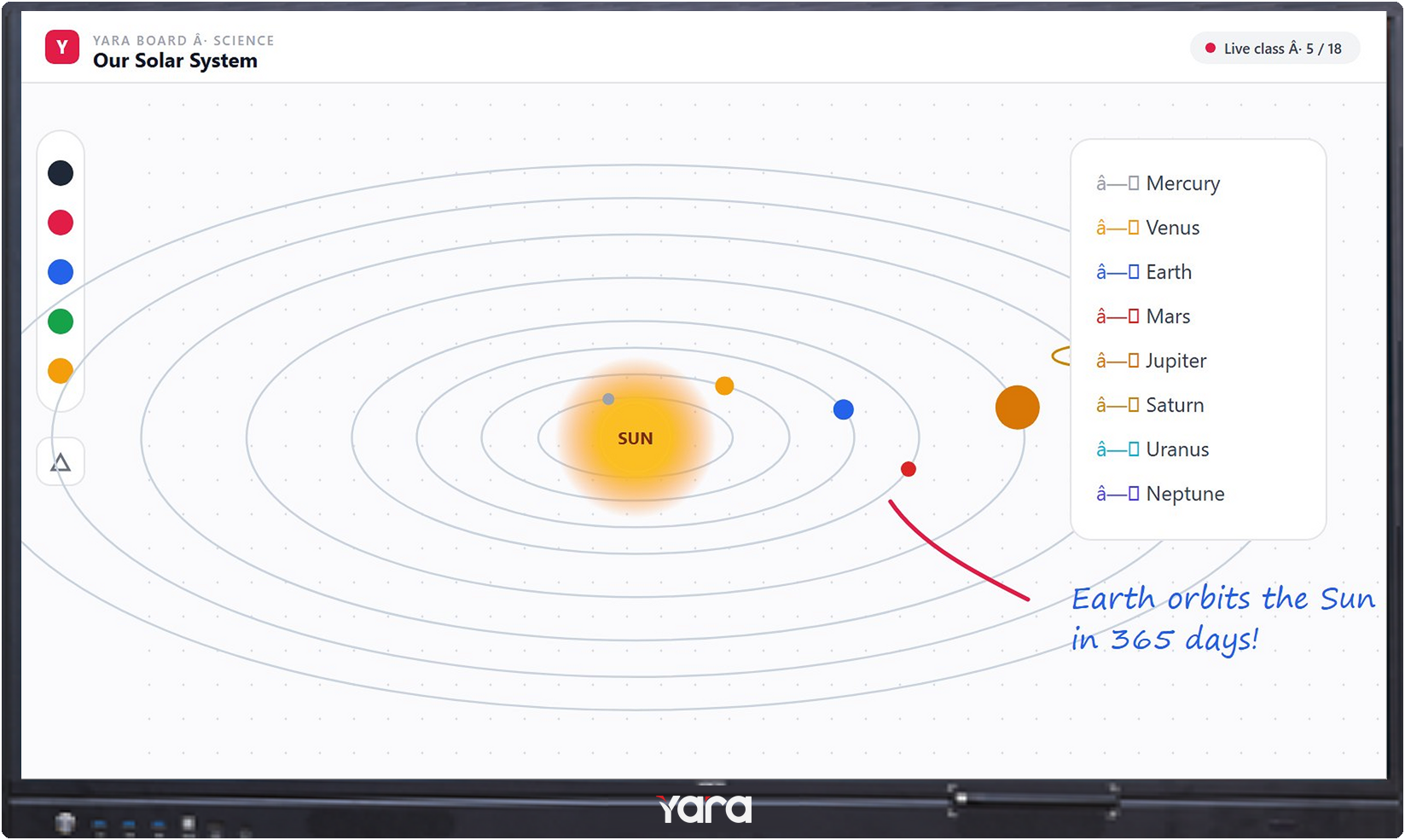
- Explain. Write and draw naturally with the pen or a finger, over any app, video or PDF. Auto shape and text recognition turn rough sketches into clean diagrams.
- Show. Play videos, 3D models and PhET science simulations in 4K, and split the screen to compare two ideas side by side.
- Involve. 20-point touch means several students can come up and solve a problem together, not one at a time.
- Share. Save the whole lesson as a PDF and share it by QR code, so absent students never miss the notes.
Tip: before buying, measure the distance from the board to the last bench. It is the single best guide to choosing the right panel size.
No PC required, and connects to everything
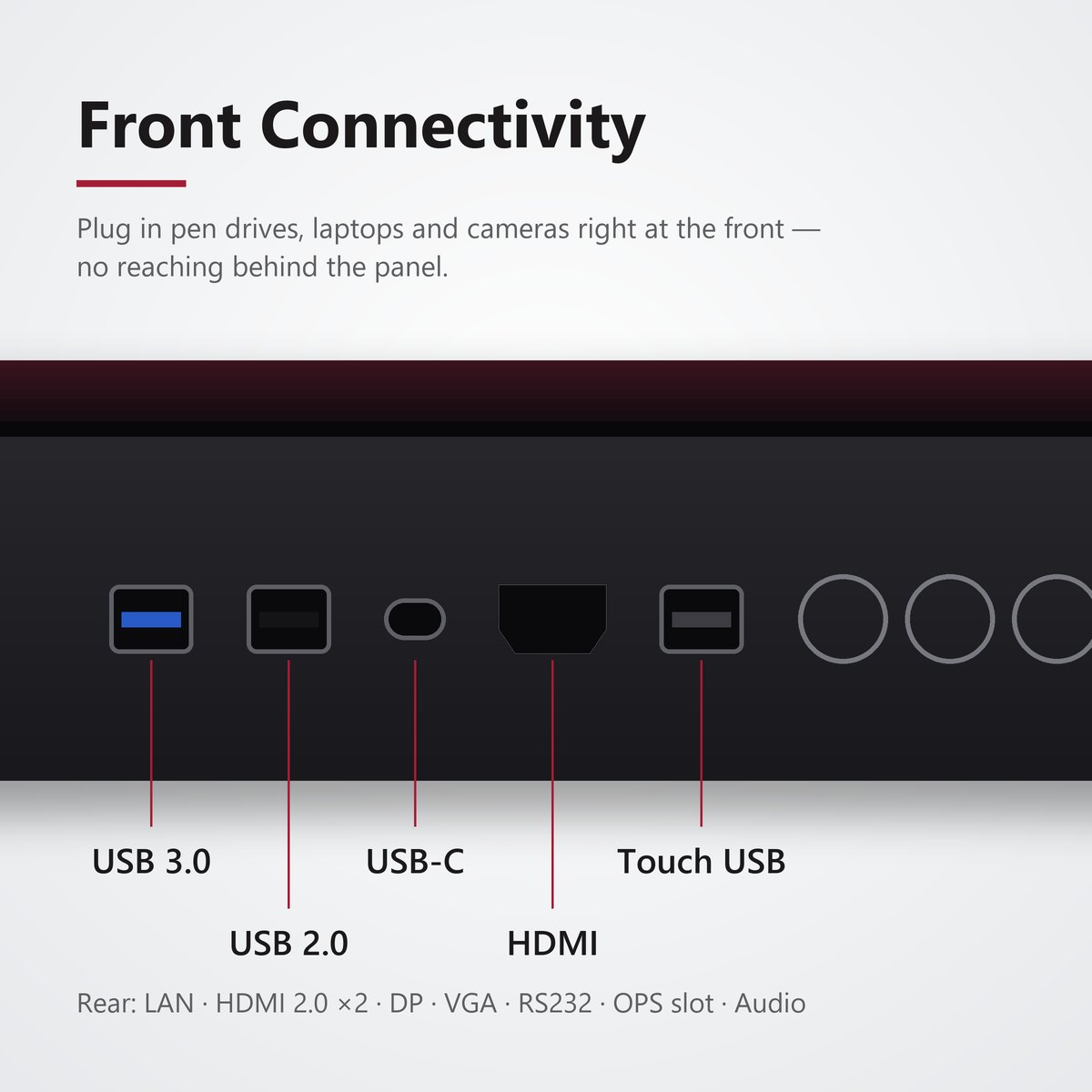
A built-in Android 14 system with 8 GB RAM and 128 GB storage runs the whiteboard, a browser, Google Play apps and simulations on its own. When you do want a laptop, share it wirelessly in seconds, or plug in over HDMI, USB-C, USB 3.0 and LAN. An OPS slot adds a full Windows PC inside the panel.
Which size is right for your classroom?
- 55" – primary classrooms and tuition rooms, up to 30 students
- 65" – standard classrooms and smart labs, up to 40 students
- 75" – large classrooms and seminar rooms, up to 60 students
- 85" – lecture halls and teacher training, up to 80 students
- 100" – auditoriums and lecture theatres, 100+ students
Wall-mounted or on a stand?
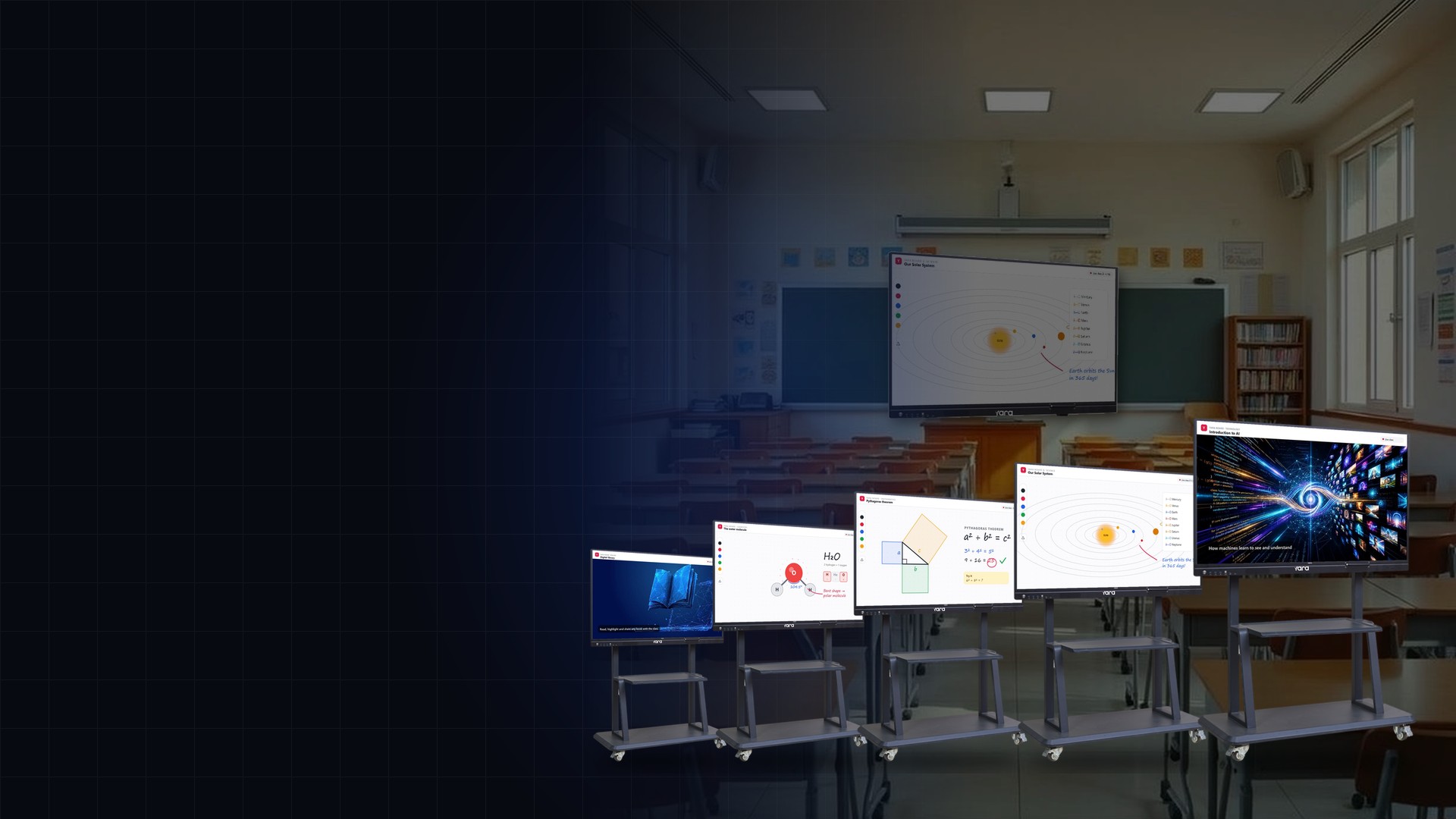
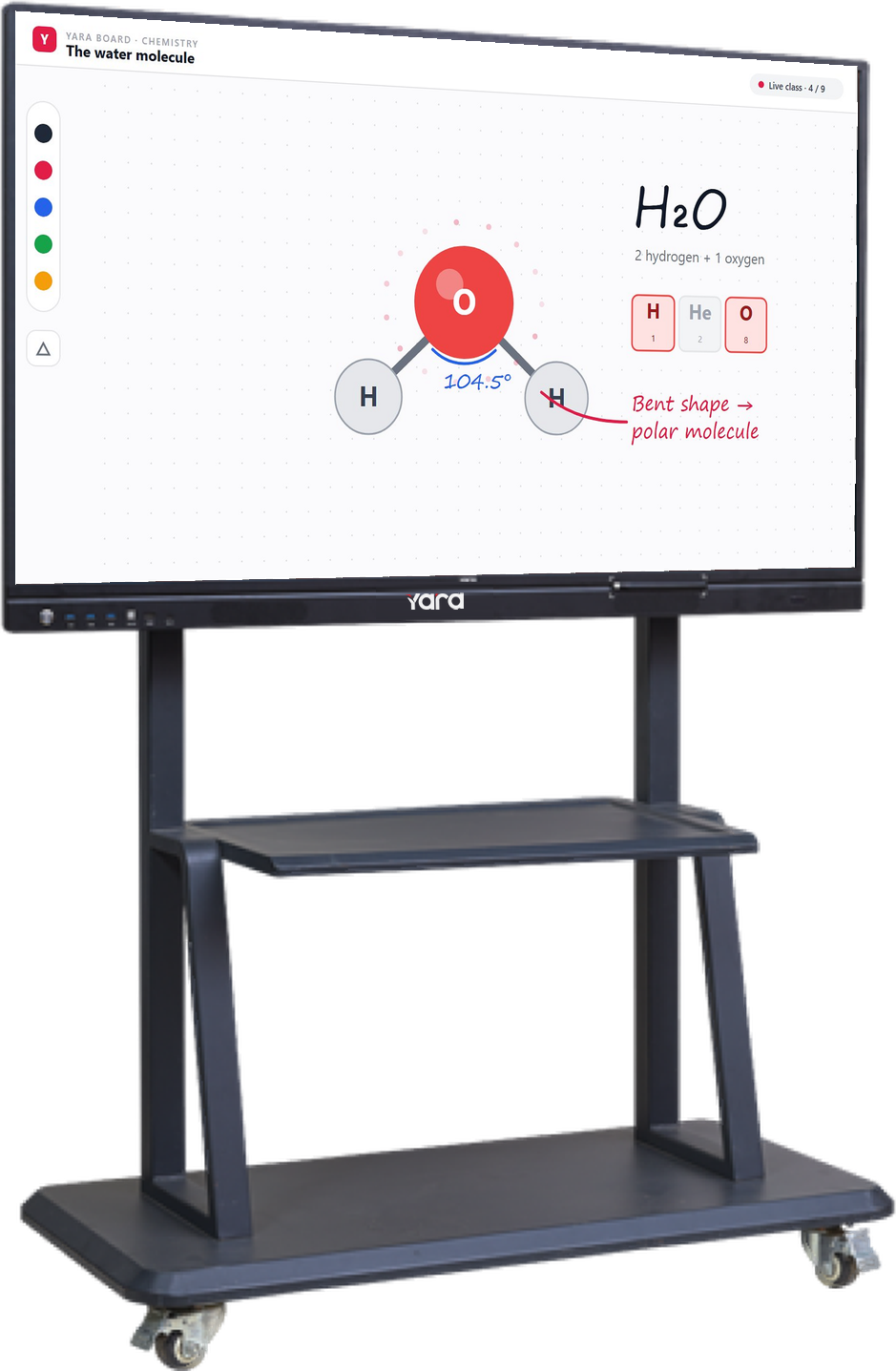
Every Yara panel comes with a wall-mount bracket. To share one panel between classrooms and labs, pair it with our trolley stand and roll it wherever the lesson is.
See one in a real class
Explore our interactive panels for smart classrooms from 55" to 100", or book a free classroom demo and our team will bring a panel to your school.
Interested in our display solutions?
Book a free demo and see them in action.